
Vault
Offline password manager. Pay once, own it forever.
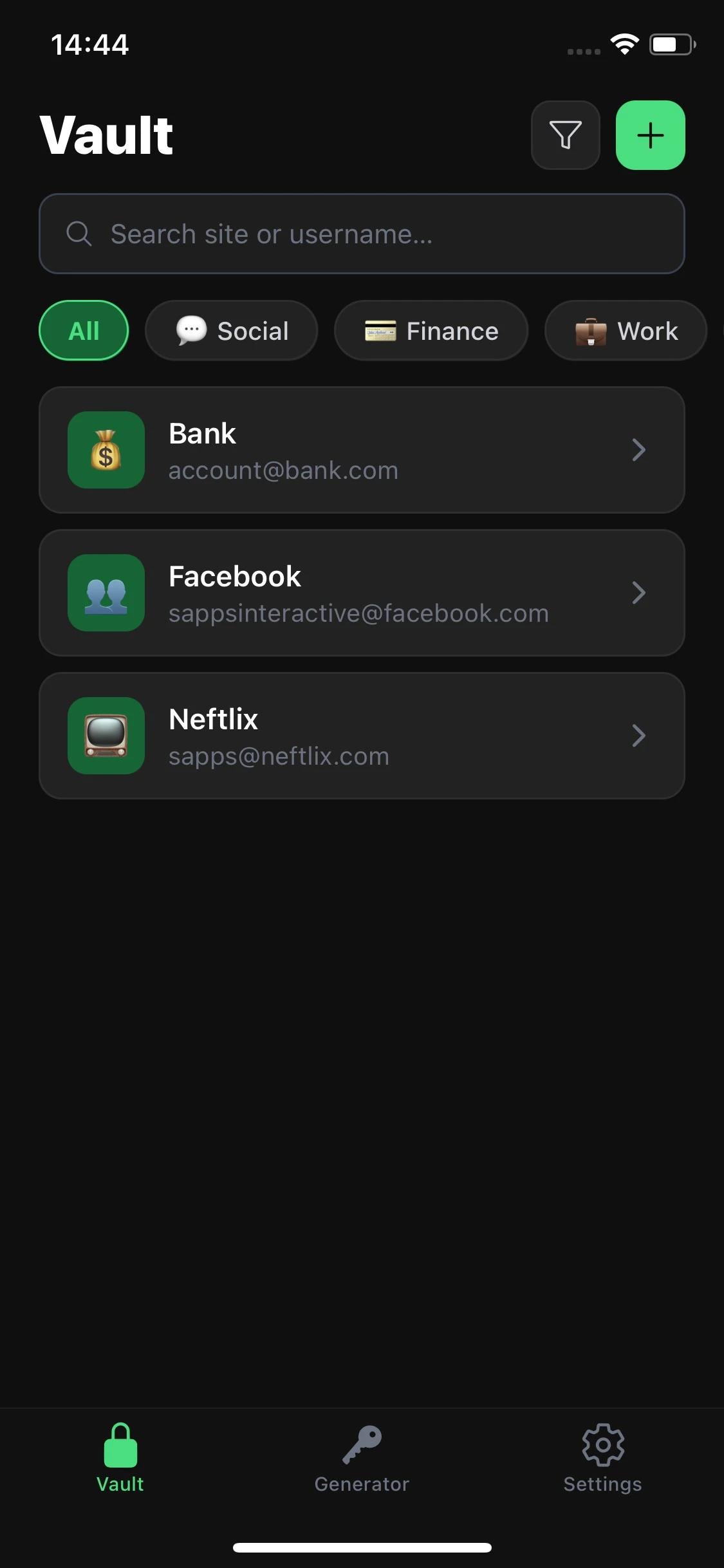
What it does
Most password managers store your data on their servers. They charge you monthly. They track what you do. Vault does none of that. Your passwords live on your device, encrypted with the same standard trusted by banks and governments - and no one else can ever see them.
Truly offline. Verifiably private.
Vault requires no internet permission - you can confirm this on the Play Store before you even tap Install. There is no server to breach, no account to hack, no sync to intercept. Your passwords physically cannot leave your device.
AES-256 encryption - the real thing
Vault uses AES-256-GCM encryption with PBKDF2-SHA256 key derivation at 600,000 iterations. Your master password is never stored anywhere. It is used to derive your encryption key at unlock time and then discarded - only you can open your vault.
Biometric unlock
Unlock quickly with your fingerprint or face. If biometrics fail or aren't set up, your master password is always the secure fallback. Fast access without compromising security.
Built-in password generator
Stop reusing passwords. Vault's built-in generator creates cryptographically secure random passwords on-device. Adjust length, choose character sets, and exclude ambiguous characters - generate a strong, unique password for every account in seconds.
Password strength analyzer
Paste any password and see exactly how strong it is - including a real estimated crack time. Know whether your existing passwords are protecting you, and see precisely what makes one stronger than another.
Encrypted backup and restore
Export your entire vault to an encrypted file that only your master password can open. Store it wherever you want - a USB drive, a local folder, an encrypted archive. Import it on a new device anytime. No cloud middleman required.
Auto-clearing clipboard
Copied passwords are automatically cleared from your clipboard after 30 seconds. No lingering credentials waiting to be pasted somewhere they shouldn't be.
No tracking. Ever.
No ads. No analytics. No crash reporters. No third-party SDKs. Vault cannot see your data and neither can anyone else. The permissions list is short because there is nothing to phone home to.
Pay once. Own it forever.
No subscription. No monthly fee. No renting access to your own passwords. One purchase unlocks everything, permanently.
Frequently Asked Questions
Ready to try Vault?
Available on Android & iOS. No signup required.