
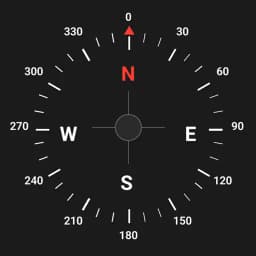
Digital Compass
Free, accurate compass for Android
What it does
Finding your direction shouldn't require an internet connection or a subscription. Digital Compass gives you a reliable, always-available compass right in your pocket - no frills, no bloat.
How it works
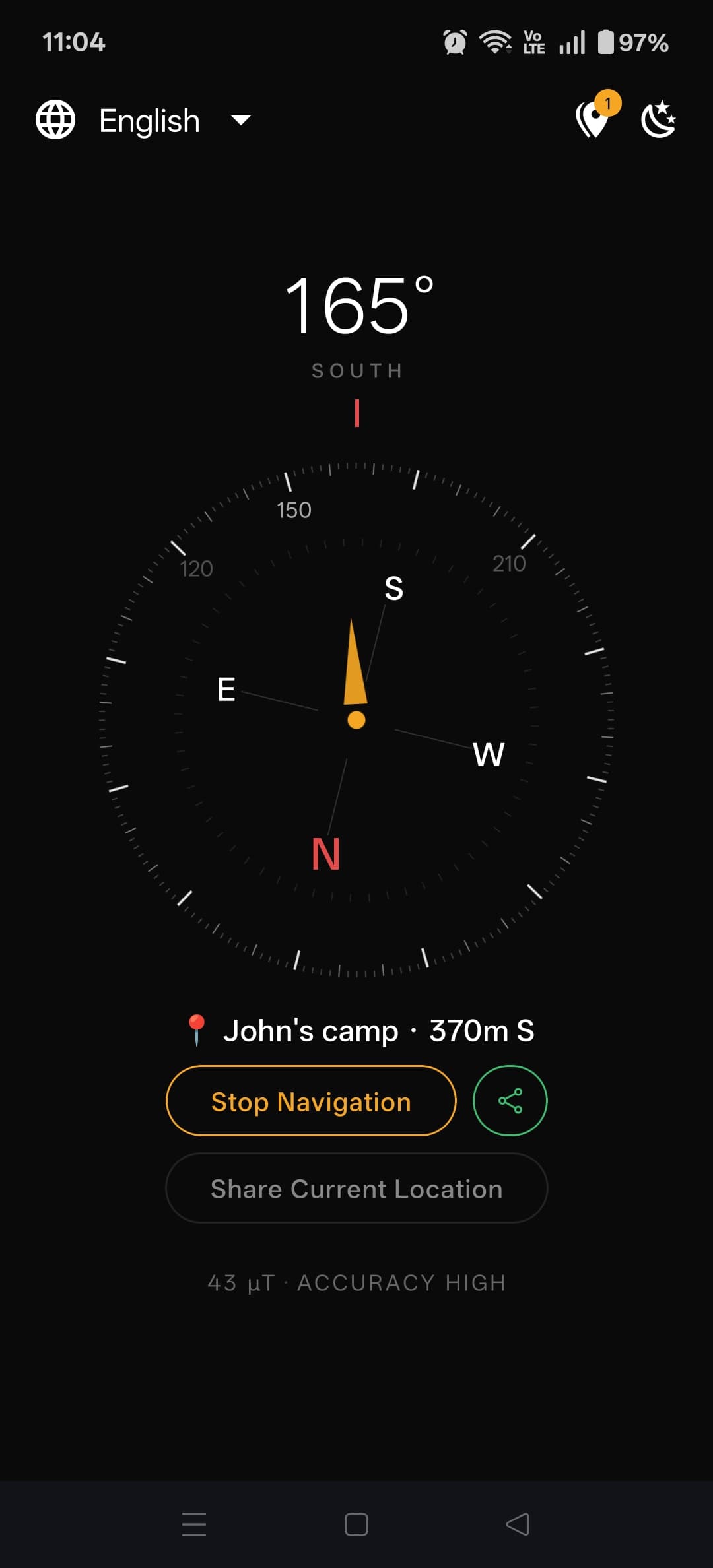
Your Android phone contains a magnetometer - a tiny sensor that detects Earth's magnetic field. Digital Compass reads this sensor directly, giving you a real-time heading display that updates smoothly as you rotate your device.
True north or magnetic north?
Most navigation and mapping uses true north, which points toward the geographic North Pole. Your compass naturally points to magnetic north, which is slightly different depending on where you are in the world. Digital Compass lets you toggle between the two, and it can automatically apply your local magnetic declination so your readings align with maps.
Who is it for?
- Hikers and trail runners who want a backup when their phone's GPS-based navigation fails
- Photographers finding the perfect orientation for sunrise and sunset shots
- Drivers orienting themselves without data in remote areas
- Curious people who just want to know which way they're facing
Offline, always
No data connection is ever required. The compass works in airplane mode, in areas with no signal, and in countries where your mobile plan doesn't apply. It's a tool that's simply there when you need it.
Frequently Asked Questions
Related guides

How Accurate Are Smartphone Compass Apps? (The Real Answer)
Smartphone compass apps vary widely in accuracy. Here's what affects the reading, how to test your phone's compass, and what to expect from modern Android devices.

How to Find North Without a Compass (5 Reliable Methods)
Lost without a compass? Here are five proven ways to find north using the sun, stars, and natural landmarks - plus when to rely on your phone instead.

What Is Magnetic Declination and Why Does It Matter for Navigation?
Your compass doesn't actually point to the North Pole - it points to magnetic north, which is different. Here's what magnetic declination is, why it matters, and how to account for it.
Ready to try Digital Compass?
Available on Android & iOS. No signup required.