
Navigate Offline: Why Your Phone Deserves a Real Compass App
Most navigation apps are built for cities and cloud connectivity. Here's why a lightweight offline compass app is what you actually need when you step away from the grid.
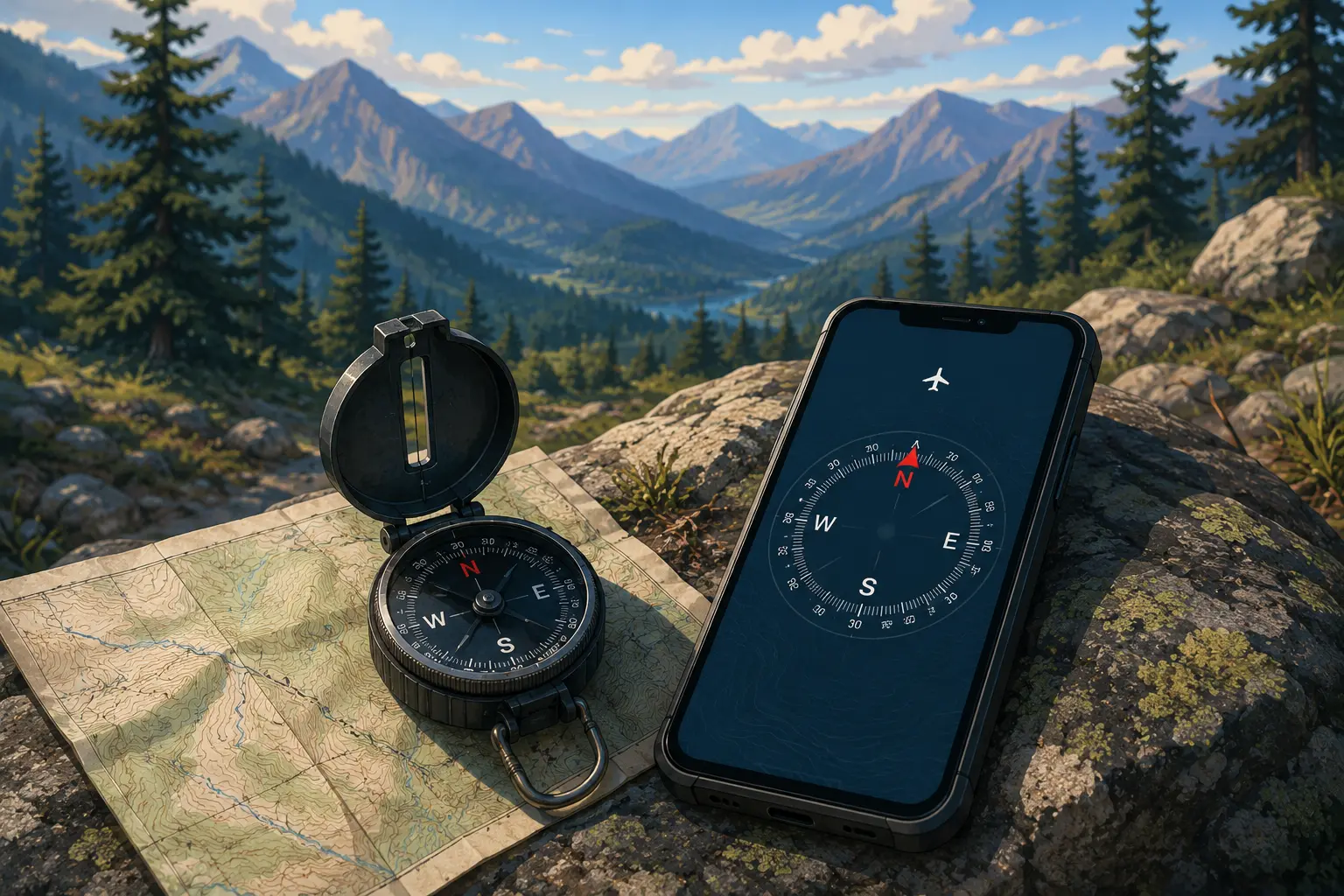
When you're hiking, traveling, or working in a remote area, your phone is both your greatest asset and your biggest liability. It can get you out of trouble - or drag you deeper into it if you're depending on the wrong tool.
Most navigation apps are bloated, tracking-heavy systems designed to harvest your location data. They're built for cities and cloud connectivity. But the moment you step offline, they become dead weight. What you actually need is simpler: a compass that works offline, respects your privacy, and won't drain your battery when you need it most.
That's where a real compass app comes in.
The Offline-First Case
Travel and outdoor communities universally agree on one thing: offline-first tools are non-negotiable.
When you're in the mountains, on a boat, or in a remote area, cellular connectivity isn't guaranteed. And even when it is, relying on it for navigation is a liability. Your battery dies. Your signal cuts out. Your app crashes. The backup isn't your phone - it's your preparation.
This is why outdoor enthusiasts actively seek out lightweight, offline compass apps. As one hiker put it:
"Live by the tech, die by the tech. Use your phone as your primary nav if you wish, but always have a compass and paper map as a backup."
This isn't pessimism. It's the voice of experience. And it's why offline tools, despite their simplicity, command respect.
The Bloat Problem
Most navigation apps shipped by major tech companies come with a cost: your data.
Google Maps, Apple Maps, and similar tools are free to use but not free to build. They monetize through location data. They track where you go, how long you stay, what you're interested in, and they sell that information to advertisers and data brokers. Your location becomes a product.
Developers building alternative compass apps have noticed this frustration building in the community:
"Almost every compass app I tried was bloated, filled with ads, or demanded unnecessary permissions."
Users are actively moving away from bloated, permission-hungry apps toward minimal tools that do one thing well.
A compass app shouldn't ask for:
- Microphone access
- Contacts
- Call logs
- Photos
It needs the magnetometer sensor, and optionally GPS for the fallback mode. That's it. Everything else is either a privacy violation or an ad delivery mechanism.
How a Compass Works (And Why Offline Matters)
Your phone has a built-in magnetometer - a sensor that detects the Earth's magnetic field. A compass app reads this sensor and tells you where magnetic north is. No GPS needed. No internet needed. No data transmission.
When you point your phone in any direction, the magnetometer detects the magnetic field strength along that axis. The app compares the strength and direction to calculate your heading. It's physics, not cloud computing.
This matters because:
No connectivity required - Magnetometer readings happen at the hardware level, entirely on your device. No server round-trip. No latency. No server downtime.
Battery efficient - Reading a sensor consumes orders of magnitude less power than connecting to the internet, requesting map tiles, or tracking your position with GPS. A compass app can run for hours on the same battery that a full navigation app drains in minutes.
Instant response - A good compass app opens and shows your heading in under a second. Compare that to Google Maps, which can take 5–10 seconds to load even with a strong signal.
This is why outdoor communities prefer compass apps for quick orientation checks. When you need to know whether to head northeast or southwest right now, you don't have time for loading screens.
The Hardware Reality Check
Here's the honest part: not all Android phones have reliable compass hardware.
Some devices - particularly certain LG models - ship with poorly calibrated magnetometer sensors. One user reported:
"Depends on your physical compass hardware in your device, which is often poorly calibrated. I had an LG phone that had the compass just slowly spinning clockwise in any app I used."
This isn't a software flaw. It's a manufacturing limitation. And there's no app-level fix for faulty hardware.
How to test yours: Download a compass app and compare its heading to a physical compass or a known landmark direction (e.g., sunset is always west). If they don't match, your hardware might be the issue. Newer phones and flagship devices are much more reliable.
The fallback: Many modern Android phones include GPS, which lets a compass app switch to tracking your direction of travel rather than reading the magnetometer. It's less accurate but still useful when you're moving. A compass app that handles this gracefully - like switching modes automatically - is worth its weight in digital gold.
Location Sharing Without the Surveillance
Here's where a modern compass app can actually be better than a traditional compass: sharing your location with someone else.
The old way: you text "I'm near the big rock by the trail junction." Vague, confusing, and easy to miss.
The better way: you generate an encrypted link with your exact location and send it. The recipient opens the link and sees a pin on their compass, exactly where you are.
But this only works if the app doesn't involve a central server. Cloud-based location sharing (like Google Maps or Snapchat) means your location history is stored somewhere, tracked, and potentially sold. Encrypted peer-to-peer sharing means it's truly peer-to-peer: no server, no history, no third party.
Outdoor enthusiasts want exactly this: encrypted peer-to-peer location sharing with no central server, no tracking, no history, and no third-party access.
This is the privacy angle that's driving adoption of minimal, indie compass apps.
Real Use Cases
Hiking & Wilderness Navigation
A compass gives you a quick bearing check when you're off-trail or unsure of your bearings. The app is a safety tool, not your primary navigator - you should always have a map and physical compass for that.
Travel in Unfamiliar Cities
When you arrive in a new city and need to orient yourself - "is the old town to the north or east?" - a compass app answers in seconds. No internet needed. No revealing your location to Google. Just point and see.
Boating & Marine Work
A compass app is genuinely useful on water, especially paired with a chart. Quick bearing checks between waypoints, easy to share your position with other boats, and no dependency on cellular towers that don't exist out there.
Field Work & Team Coordination
If you're coordinating a field team - surveying, construction, outdoor education - encrypted location sharing beats describing positions in words. Everyone knows exactly where everyone else is, with zero cloud synchronization.
Meeting Up in the Field
One of the underrated use cases: you and a friend are camping, hiking different trails, and want to meet somewhere. Share encrypted pins of your current locations and navigate to each other, all offline.
Try Digital Compass App
Digital Compass App by SAPPS Interactive gets all of this right. It's free, lightweight (under 2MB), works fully offline, and handles the encrypted location sharing without any cloud backend.
The app uses your phone's built-in magnetometer for accurate headings. If your device doesn't have a magnetometer, it automatically switches to GPS compass mode. The free version is fully functional - all core compass features work offline with no paywalls. There are ads when you're connected to the internet; the Pro upgrade removes them and unlocks unlimited location saves if you want a cleaner experience.
The encrypted location sharing is genuinely novel: generate a link, send it via any messaging app, and the recipient's compass shows a pin. No accounts. No servers. No history. This is how location sharing should work.
Frequently Asked Questions
Does a compass app work as well as a physical compass?
For most outdoor use, yes. Phone compasses are accurate and reliable on most modern Android devices. However, you should always carry a physical compass as a backup for safety-critical navigation - phones can fail, lose battery, or get wet. As one hiker put it: "Live by the tech, die by the tech. Use your phone as your primary nav if you wish, but always have a compass and paper map as a backup."
What if my phone doesn't have a magnetometer?
Some older or budget Android devices lack a magnetometer sensor. Digital Compass App handles this gracefully with GPS compass mode - it automatically switches to tracking your direction of travel using GPS instead. This is less accurate than a magnetometer but works in a pinch.
Why does my compass app give weird readings?
Some Android phones ship with poorly calibrated magnetometer hardware - certain LG models are notorious for this. The fix is usually a phone shake (or rotating the device in a figure-8 motion), but if your hardware is faulty, no compass app will help. Test any compass app before you rely on it.
How much battery does a compass app use?
Minimal. Compass apps only read your phone's magnetometer sensor, which draws very little power. The bigger drain comes from your phone's screen. As long as you're not leaving the app constantly running in the background, a compass won't tank your battery.
Is my location being tracked when I use an offline compass app?
No - at least not by the app itself. Offline compass apps don't transmit anything. They read your phone's built-in sensors (magnetometer, GPS, accelerometer) and store everything locally. That said, iOS and Android still track your location at the system level. An offline app just won't add to that.
Newsletter
Stay in the loop
New articles and app updates, straight to your inbox.
Keep reading
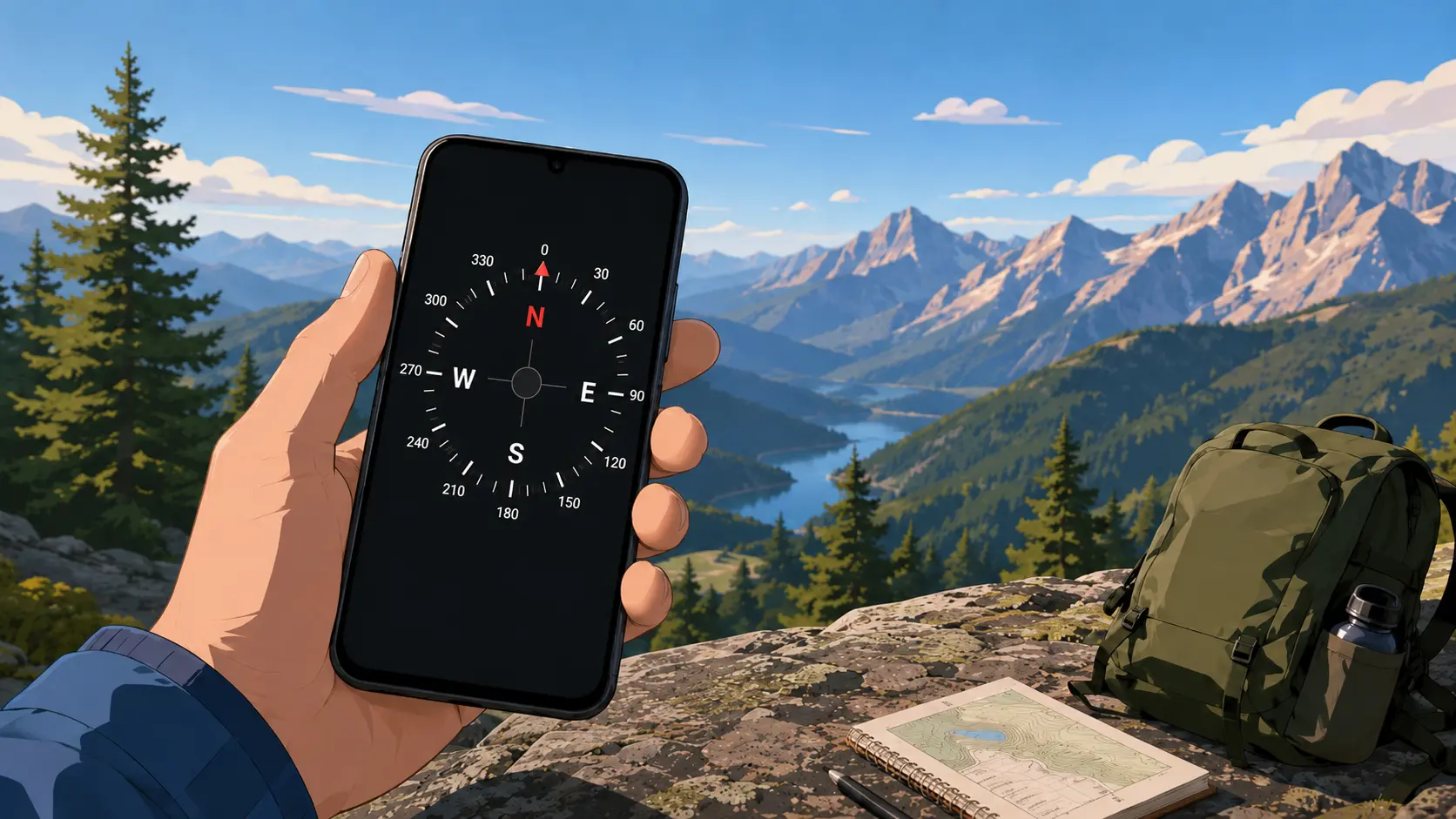
How Accurate Are Smartphone Compass Apps? (The Real Answer)
Smartphone compass apps vary widely in accuracy. Here's what affects the reading, how to test your phone's compass, and what to expect from modern Android devices.

How to Find North Without a Compass (5 Reliable Methods)
Lost without a compass? Here are five proven ways to find north using the sun, stars, and natural landmarks - plus when to rely on your phone instead.